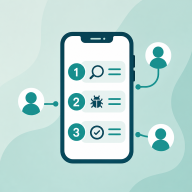
How this works
Uploading the tester CSV
Watch the Play Console steps for uploading the CSV into the closed-testing email list.
After you start a round, open the email or the round page and download the tester CSV. It is one Google email per line, with no header.
In Play Console, open the app, then Testing, then Closed testing. Create or edit an email list and upload that CSV. Add the opt-in URL back on the round page so testers receive the install link.
The download stays on your account. The email links to it and does not attach the file.